🏦 Banking & Payments
Click
One of Uzbekistan's major mobile payment systems, used widely for utility bills, transfers and everyday purchases. About Click: Click is one of Uzbekistan's leading digital payment platforms, letting users pay bills, transfer money and make purchases from a linked bank card, all through a mobile app. Key Features: Bill Payments: Pay utility bills, mobile top-ups and other recurring payments directly through the app. Card-Linked Transfers: Send money to other Click users or bank cards. Merchant Payments: Pay at a wide range of participating merchants and online stores. QR Code Payments: Many locations support scan-to-pay through the app. How to Get Started: Download the Click app and register with your phone number. Link a local Uzbek bank card to your account. Use the app to pay bills, transfer money or pay merchants directly. Keep your linked card details current to avoid failed transactions. Important Notice: Click requires a local Uzbek bank card to function fully — it isn't set up for foreign card linking, so this is primarily useful once you have local banking access.
Payme
Another of Uzbekistan's major digital payment platforms, widely accepted alongside Click for bills, transfers and merchant payments. About Payme: Payme is one of Uzbekistan's leading mobile payment systems, offering similar core functionality to Click — bill payments, transfers and merchant payments through a linked local bank card. Key Features: Utility and Service Payments: Pay for utilities, mobile services and various recurring bills. Peer-to-Peer Transfers: Send money to other users or linked bank cards quickly. Wide Merchant Acceptance: Accepted at a large number of physical and online merchants across Uzbekistan. QR Payments: Scan-to-pay functionality supported at many participating locations. How to Get Started: Download the Payme app and register using your phone number. Link your local Uzbek bank card to enable payments and transfers. Use the app for bill payments, transfers or in-store purchases via QR code. Keep the app updated and your card details current for smooth transactions. Important Notice: Like Click, Payme is built around local Uzbek bank cards — it's not designed for foreign card linking, so it becomes useful once you have local banking set up.
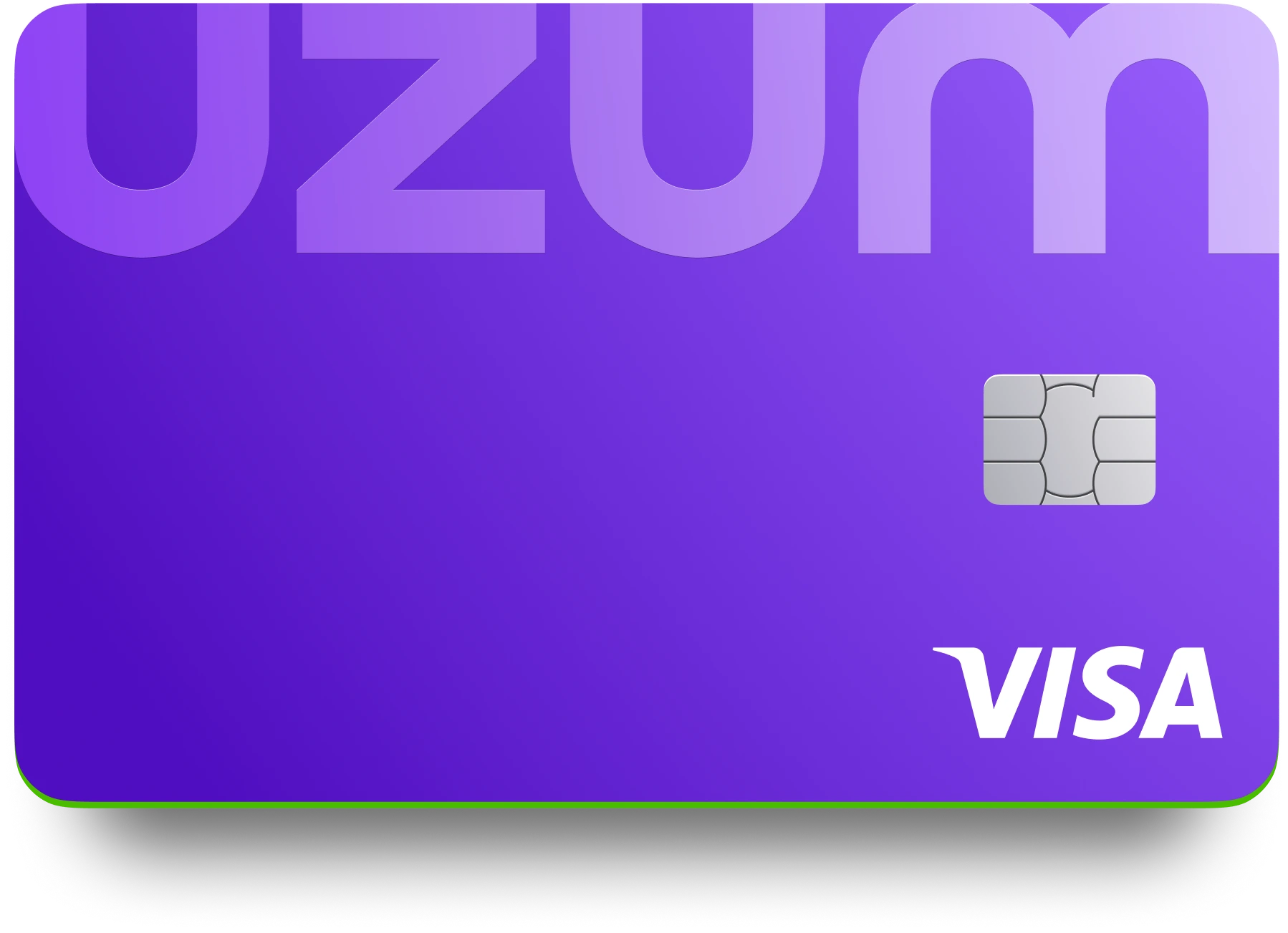
Uzum Bank
A modern digital bank in Uzbekistan offering mobile banking, cards and everyday financial services. About Uzum Bank: Uzum Bank is a digital-first bank in Uzbekistan, part of the wider Uzum ecosystem that also includes e-commerce and other services, offering a mobile app for managing accounts, cards and payments. Key Features: Digital Account Opening: Open an account largely through the mobile app in many cases, minimizing branch visits. Mobile Banking App: Manage accounts, transfer funds and pay bills directly from a smartphone. Card Issuance: Apply for and manage debit cards linked to your account through the app. Integrated Ecosystem: Ties into the broader Uzum marketplace and other services for a connected experience. How to Get Started: Download the Uzum Bank app and begin the account opening process, which requires identity verification. Complete verification using your identification documents as prompted. Set up card management and payment features within the app. Use the app for day-to-day banking needs. Important Notice: Opening a full account as a foreign national may still require in-person verification or valid Uzbek identification — check current requirements before assuming a fully remote setup is possible.